Meshy AI Review: The Best AI Tool for 3D Models and Textures
Quality Journalism & Expert Commentary
12 Best AI Music Generators in 2025
Otter AI Review: Features, Benefits, and Top Alternatives
How to Use Slidesgo in 2025: A Step-by-Step Guide
Neuro (ADHD)
TrueGether
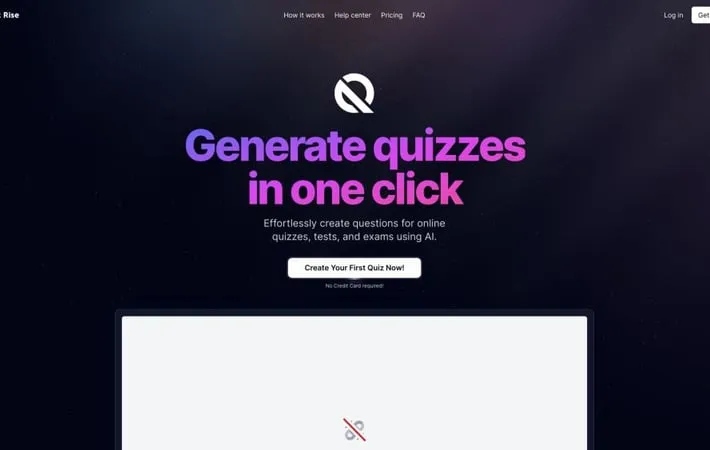
Discover Top-Rated Resources
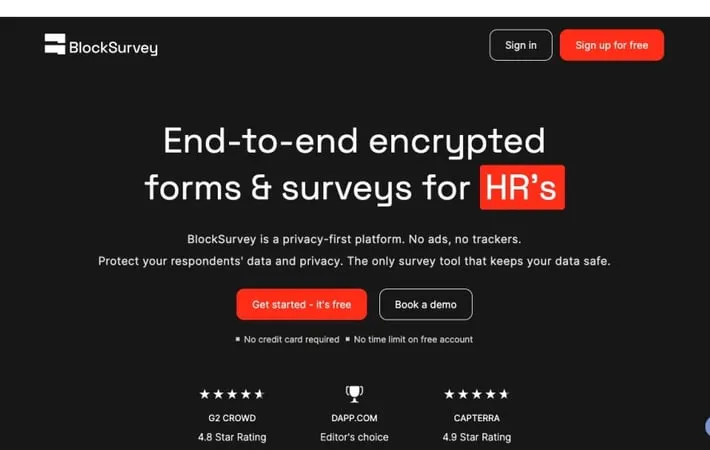
BlockSurvey
751About BlockSurvey BlockSurvey is a privacy-focused survey platform designed for ...

DHTMLX ChatBot
1337About DHTMLX ChatBot DHTMLX ChatBot is a lightweight and configurable JavaScript...
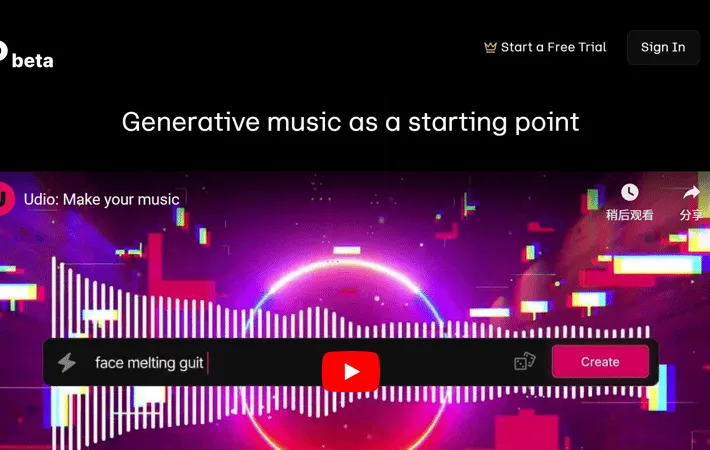
Udio
933About Udio Udio is an innovative AI music generator created by former Google Dee...
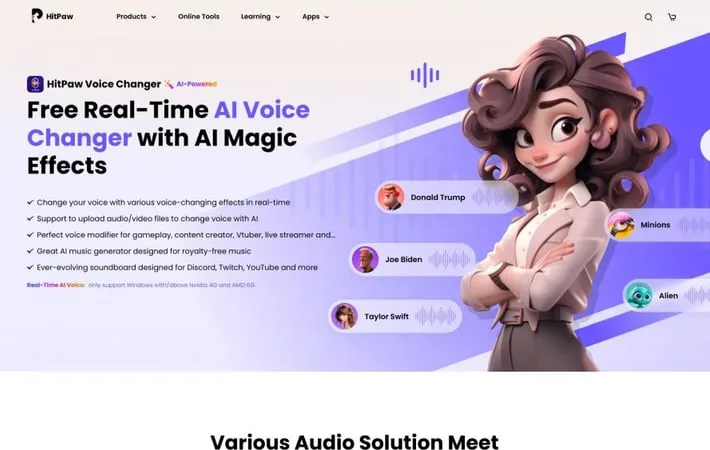
HitPaw Voice Changer
1614About HitPaw Voice Changer HitPaw Voice Changer is a cutting-edge software solut...
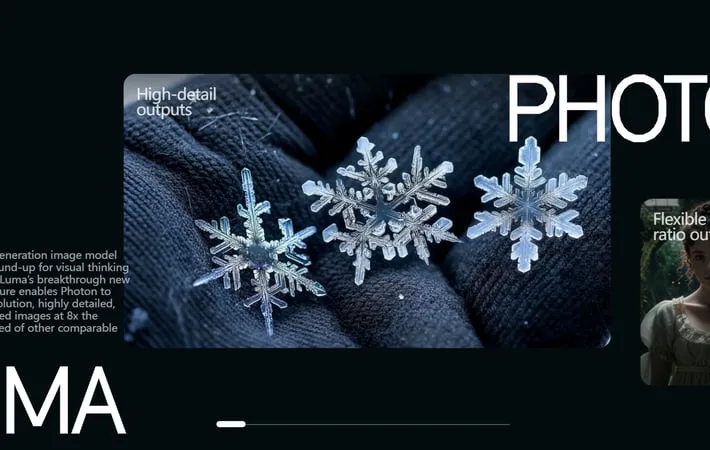
Luma AI Dream Machine 1.6: Luma Photon
1352About Luma AI Dream Machine 1.6: Luma Photon Luma AI's Dream Machine, developed ...
How to Use Slidesgo in 2025: A Step-by-Step Guide
14Looking for a way to create professional presentations quickly and without the h...
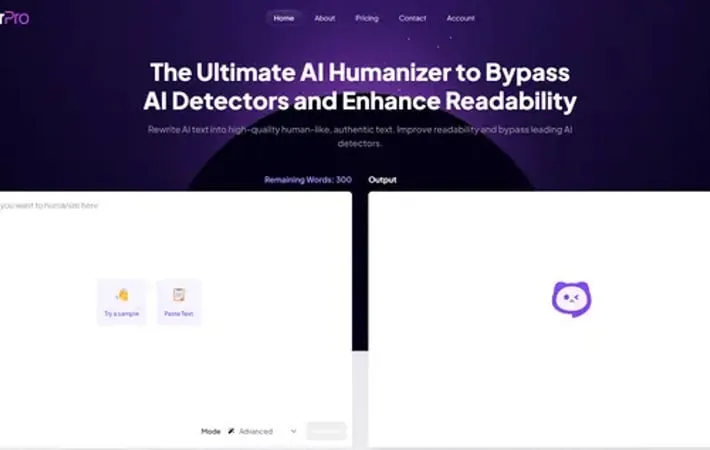
HumanizerPro AI
1482About HumanizerPro AI HumanizerPro AI is a cutting-edge AI humanizer tool design...
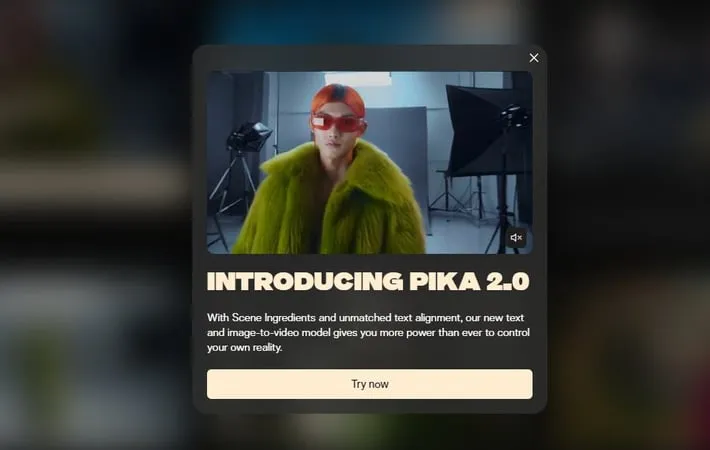
Pika 2.0
217About Pika 2.0 Pika, developed by Stanford Ph.D. students and launched by Pika L...
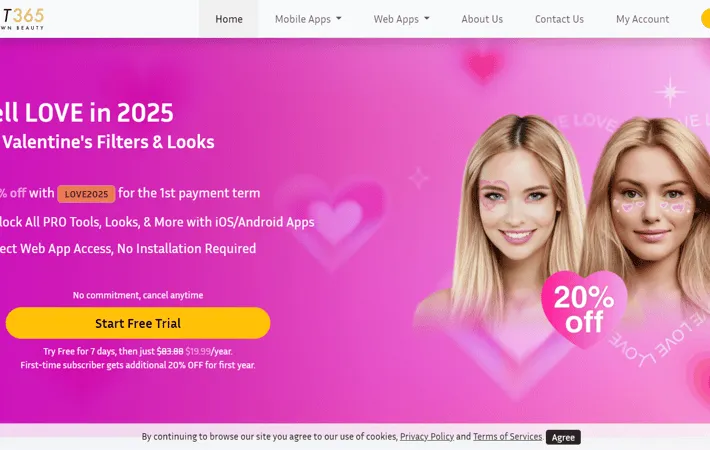
Perfect365 AI Makeup App
1820About Perfect365 AI Makeup App Perfect365 is a leading AI makeup and virtual bea...
Kindroid
806About Kindroid Kindroid is an innovative AI application that allows users to cre...
Stay Informed with Comprehensive Guides
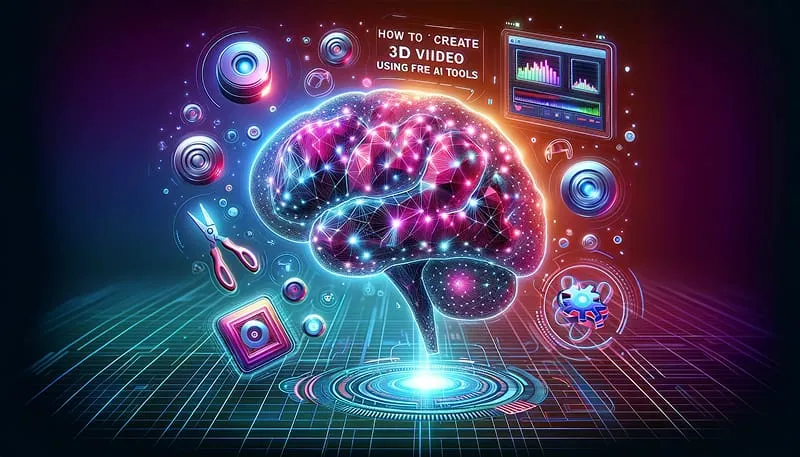
Krea AI: The All-in-One Creative Suite for Images, Video & 3D
What Makes Krea AI Special
Many creative tools focus on image generation, others on video, animation or 3D asset creation. Krea AI brings them together. As a full-featured creative suite, it lets you generate images, upscale and enhance existing ones, animate visuals, work with video, even handle 3D output — all in one place. For creators juggling different media types, or small teams seeking maximal flexibility, Krea offers a unified, efficient workflow.
Core Capabilities of Krea:
- Image Generation & Real-Time Rendering: Enter a text prompt (e.g. “cinematic portrait, moody lighting, vintage aesthetic”) and get high-quality images instantly. Krea supports many styles, from photorealistic to stylized illustration.
- Image Enhancement & Upscaling: If you have low-res or older images, Krea can upscale them — improving clarity, detail, and texture, making them sharper and publication-ready.
- Video Generation & Editing: Beyond static images, Krea supports AI-driven video generation, video style transfer, and basic video editing/animation workflows — useful for content creators, social media marketers, or short video producers.
- 3D Asset & Mesh Support: For projects needing 3D models — e.g. game development, product visualisation, AR/VR prototypes — Krea offers tools to generate and manipulate 3D assets.
- Versatile Styles & Models: With dozens of models and over a thousand styles, you aren’t locked to one aesthetic — whether you want photorealism, stylized art, cinematic mood, or retro illustration.
- Friendly to Beginners & Pros: Its interface is simple — yet powerful enough for advanced creatives. It aims to lower entry barriers while still catering to professional workflows.
Pros & Cons — What to Expect
✅ Highlights
- Great all-in-one tool: no need to bounce between multiple apps for image, video, 3D.
- Fast, efficient generation and real-time feedback — ideal for brainstorming or rapid prototyping.
- Versatility in output: from static images to animated video or 3D, all within one environment.
- Upscaling & enhancement bring older or AI-art images to a near-professional grade.
- Accessible for both beginners and more advanced artists/creatives.
⚠️ Trade-offs
- Because it tries to do everything, some advanced features may lack the depth of specialized tools (e.g. fine-grained 3D editing, cinematic video editing).
- Output quality may still require manual tweaking or post–processing depending on project requirements.
- For heavy or high-volume workflows (lots of images/video), subscription or resource limits apply — check your plan.
Ideal Use Cases for Krea AI
- Social media content creators needing consistent visuals, video, even 3D for marketing.
- Indie game developers or 3D designers prototyping assets quickly before full production.
- Digital artists experimenting with mixed media (images, animation, 3D) without installing heavy software.
- Small marketing agencies who want a flexible, unified creative suite for clients.
- Anyone exploring creative ideas who values speed, flexibility, and cross-media tools.
Tips to Get the Best From Krea
- Start in image generation — use detailed prompts to define mood, style, composition.
- If you have existing images (e.g. from Midjourney or other tools), use Krea’s Enhance/Upscale to sharpen resolution and polish details.
- For video or animation projects, experiment with Krea’s video generation or style-transfer functions as first drafts — then refine manually if needed.
- For 3D work: treat Krea as a prototyping environment — ideal for concept, mood, layout before shifting to detailed 3D software if required.
- Keep resource limits in mind — for frequent use, consider paid tiers to unlock faster processing, higher resolution, and commercial licensing.
Conclusion — Why Krea AI Is a Creative Game-Changer
Krea AI isn’t just another image generator — it’s a versatile, all-in-one creative suite. For creators who work across media types, or for teams needing flexible workflows, it offers a rare combination of speed, versatility, and accessibility. While it may not replace specialized high-end tools for advanced production, Krea shines when you need to prototype, iterate fast, or produce content across images, video and 3D — all without juggling multiple apps. For many, it’s a solid central hub for creative experimentation and production.